Address
304 North Cardinal St.
Dorchester Center, MA 02124
Work Hours
Monday to Friday: 7AM - 7PM
Weekend: 10AM - 5PM

Mavon Newsletter Popup is an effective tool for online stores to collect emails from website visitors and to get more right contacts for email marketing campaigns. This feature is supported by multiple settings to optimize your newsletter subscription process.
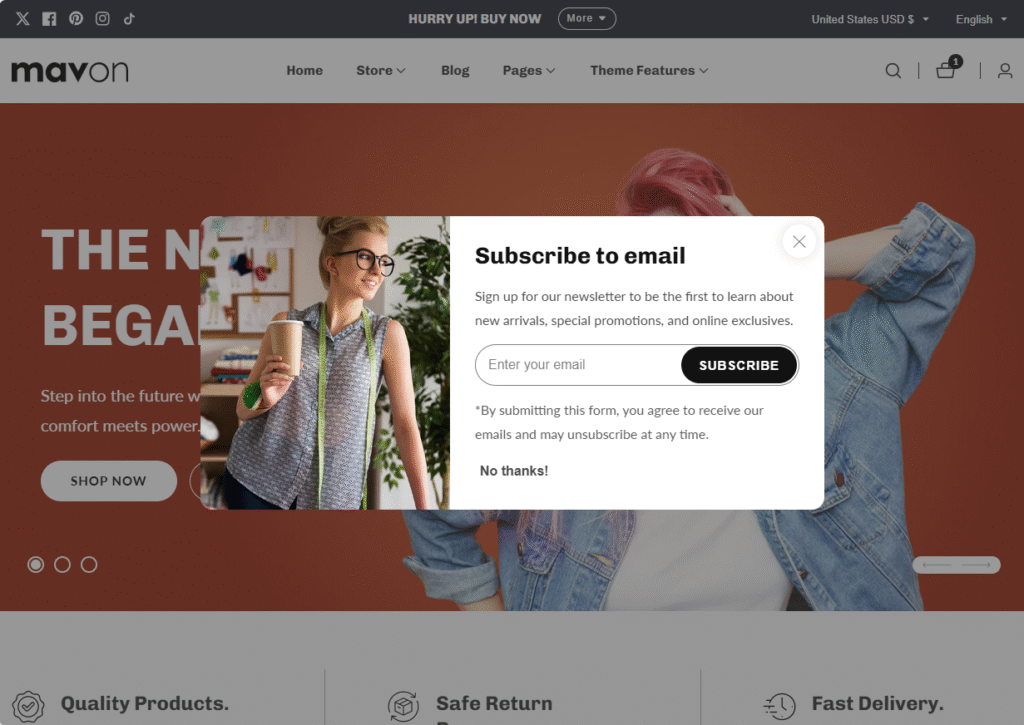
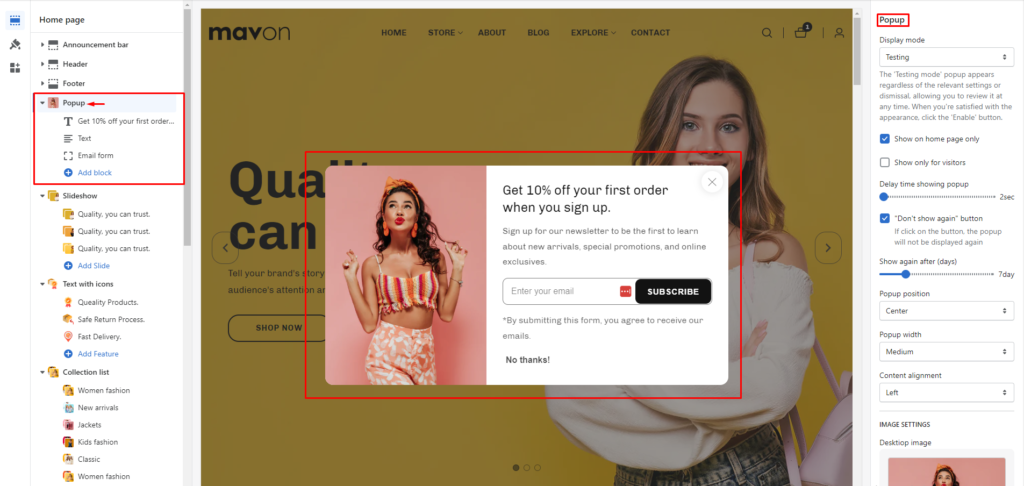
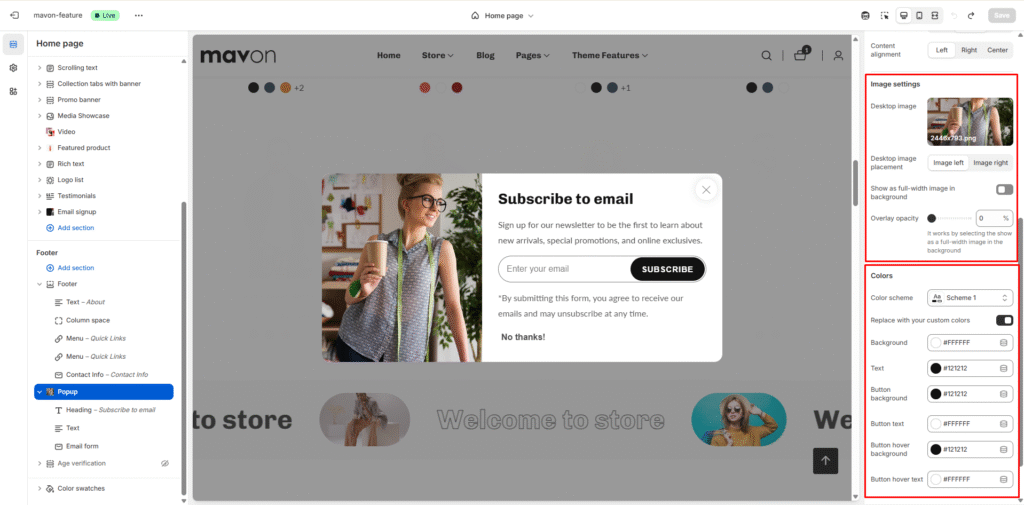
Image and color settings