Buttons Go to Admin > Online Store > Themes. Find the theme that you want to edit, and then… Read more
Set your customer account preferences You can make customer accounts mandatory, optional, or disabled entirely. Customers are redirected to a… Read more
Product Cards Go to Admin > Online Store > Themes. Find the theme that you want to edit, and then… Read more
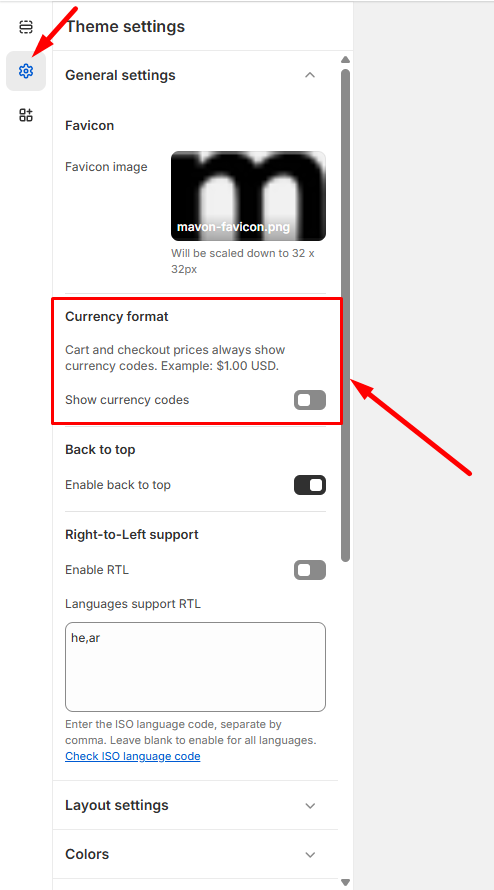
How To Enable RTL You can enable right-to-left text support like Hebrew. Enable RTL Mode Go to Theme settings > Enable… Read more
Typography Go to Admin > Online Store > Themes. Find the theme that you want to edit, and then… Read more