Address
304 North Cardinal St.
Dorchester Center, MA 02124
Work Hours
Monday to Friday: 7AM - 7PM
Weekend: 10AM - 5PM

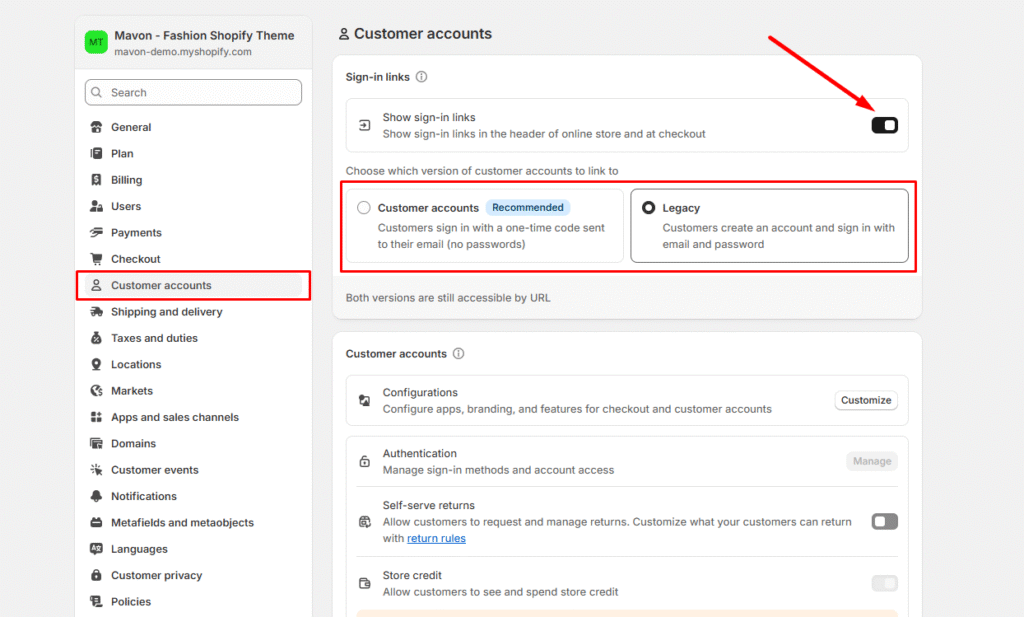
You can make customer accounts mandatory, optional, or disabled entirely. Customers are redirected to a separate account creation page when they create an account. Remember that requiring customers to create accounts may reduce sales conversions.
To make changes to your customer account settings, follow these steps: