Address
304 North Cardinal St.
Dorchester Center, MA 02124
Work Hours
Monday to Friday: 7AM - 7PM
Weekend: 10AM - 5PM

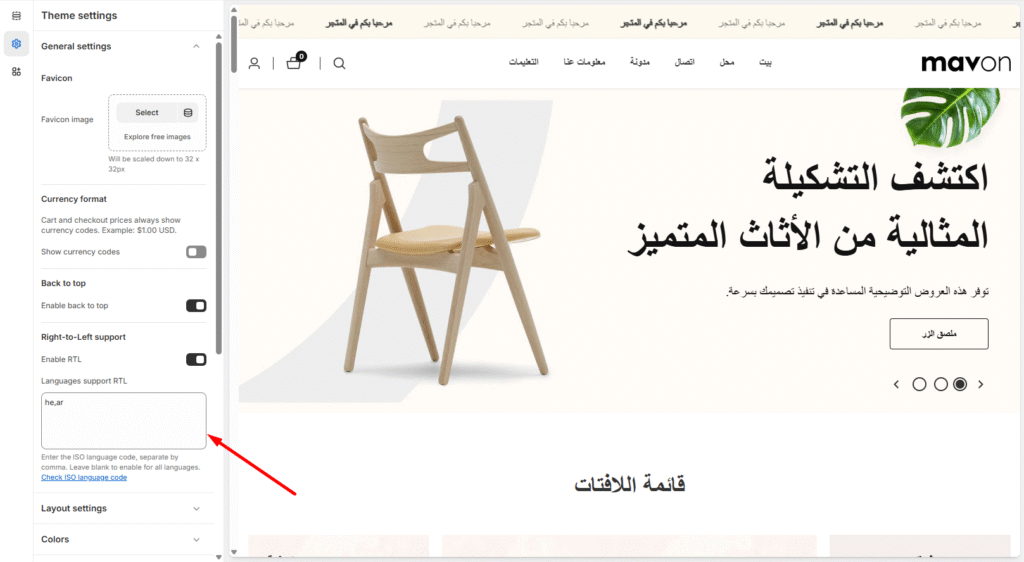
You can enable right-to-left text support like Hebrew.
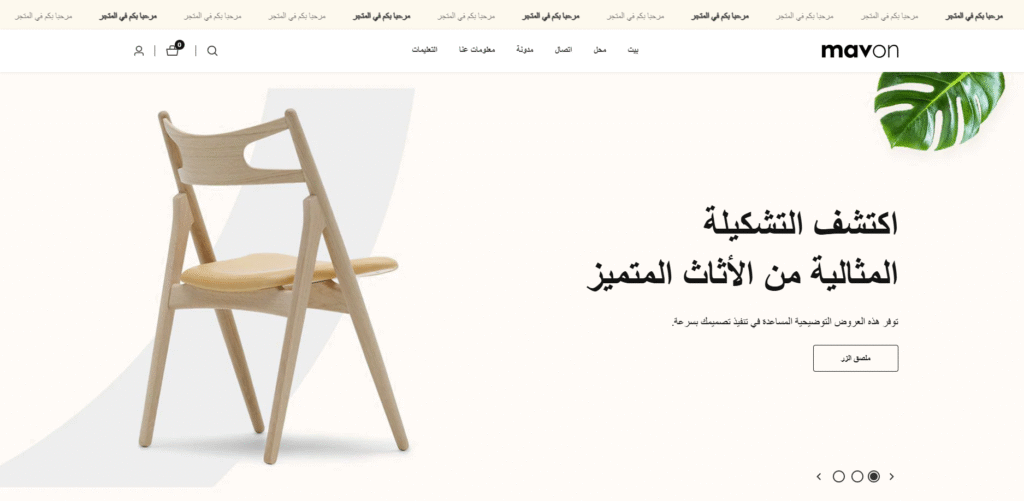
Enable RTL Mode
Go to Theme settings > Enable RTL
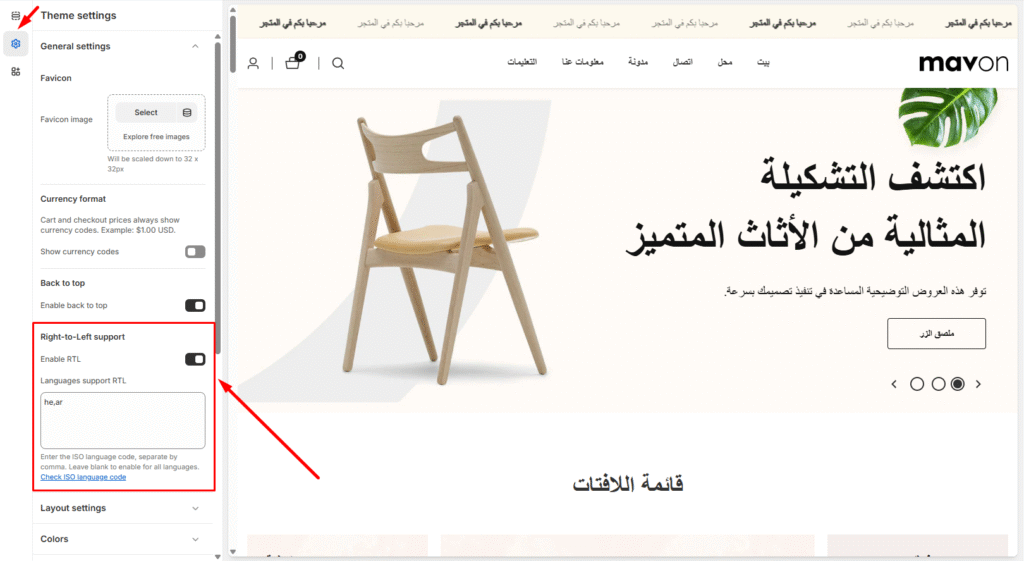
Enter the language iso code that you want it to display from right to left to here. Only works when you add language iso code [Click here for iso code]
Tips
Enter the ISO language code, separate by comma not add any blank space. Leave blank to enable for all languages.