Address
304 North Cardinal St.
Dorchester Center, MA 02124
Work Hours
Monday to Friday: 7AM - 7PM
Weekend: 10AM - 5PM

| Section header | RichText: This is the heading for the lookbook section. Learn more about RichText Editor |
| Heading size | Extra Large: This is the large text size of the section heading. Desktop size: 90px, Mobile Size: 45px Large: This is the large text size of the section heading. Desktop size: 79px, Mobile Size: 35px Medium: This is the medium text size of the section heading. Desktop size: 52px, Mobile Size: 30px Small (Default): This is the medium text size of the section heading. Desktop size: 35px, Mobile Size: 25px Extra Small: This is the medium text size of the section heading. Desktop size: 30px, Mobile Size: 22px |
| Subheading | This is the section subtitle. |
| Heading alignment | Left: Aligns the content to the left. Right: Aligns the content to the right. Center: Aligns the content to the center. |
| Mobile heading alignment | Left: Aligns the content to the left. Right: Aligns the content to the right. Center: Aligns the content to the center. |
| Settings | Description |
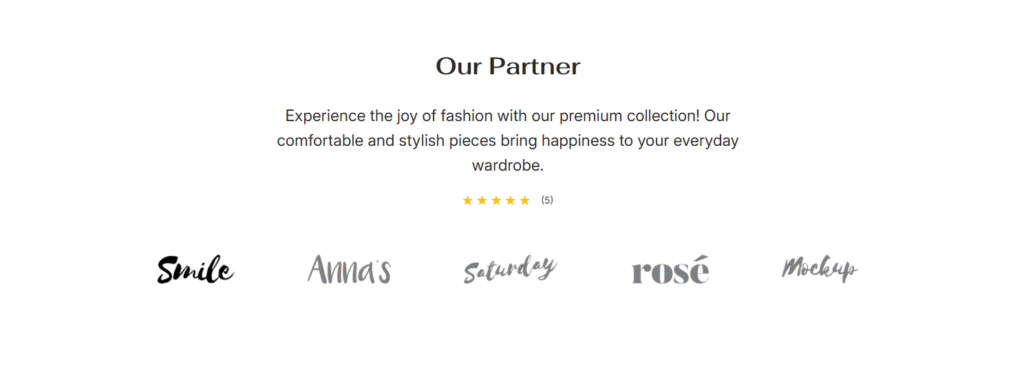
| Brand logo | This is the image for the logo. |
| Brand content | You can add brand content for the specific logo. |
| Rating settings | You can enable/disable rating and set the rating stars with a count. |
| Settings | Description |
| Desktop: Padding top | The section’s top inner space height is determined. From 0 to 150 px, will be incremented by 5px. It will affect the desktop. |
| Desktop: Padding bottom | The section’s bottom inner space height is determined. From 0 to 150 px, will be incremented by 5px. It will affect the desktop. |
| Mobile: Padding top | The section’s top inner space height is determined. From 0 to 150 px, will be incremented by 5px. It will affect the mobile. |
| Mobile: Padding bottom | The section’s bottom inner space height is determined. From 0 to 150 px, will be incremented by 5px. It will affect the desktop. |