How to setup Payments in Your Shopify Store

Configure your payment methods to start accepting payments from customers and processing orders.
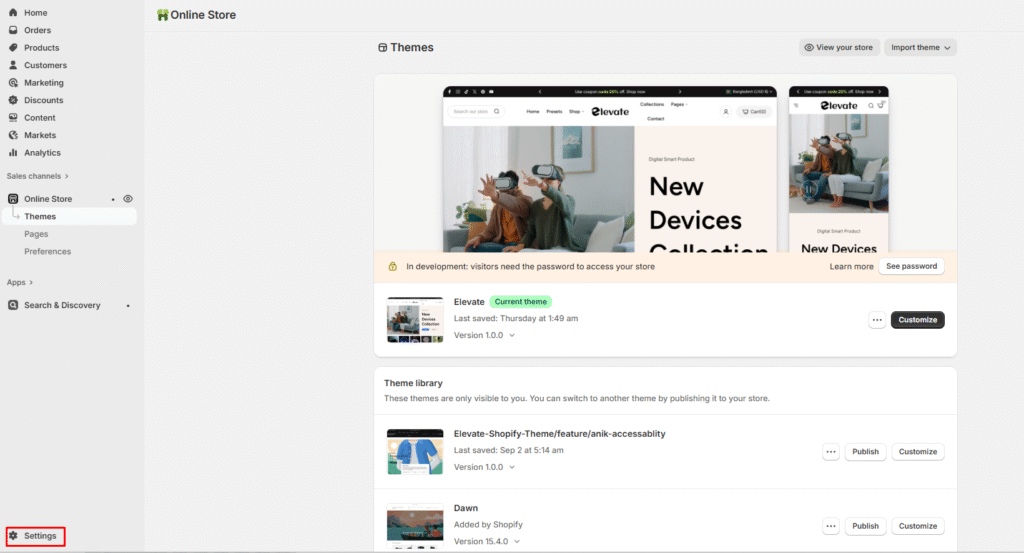
Access Payment Settings

  1. Go to Shopify Admin > Settings > Payments
  2. In the Shopify Payments section, click Manage

Configure Payment Options

  1. From your Shopify Admin, navigate to Settings

2. In the Shopify Payments section, click Manage to access configuration options

Last updated on November 23, 2025

Was this article helpful?

PREVIOUS

How to setup Multi-language in your store

NEXT

How to add & edit an announcement bar.

Powered by Support Genix
