Address
304 North Cardinal St.
Dorchester Center, MA 02124
Work Hours
Monday to Friday: 7AM - 7PM
Weekend: 10AM - 5PM

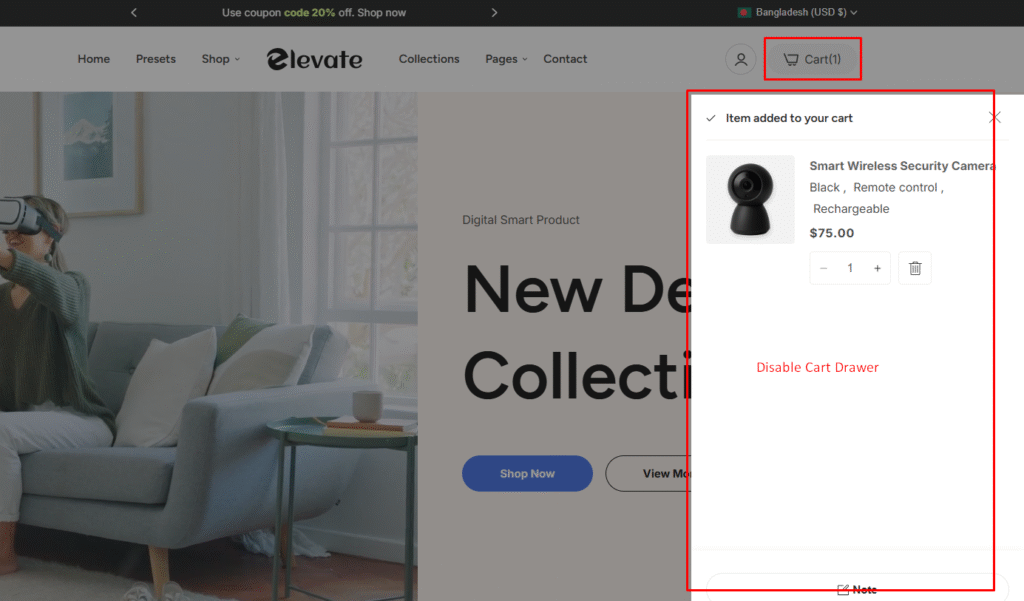
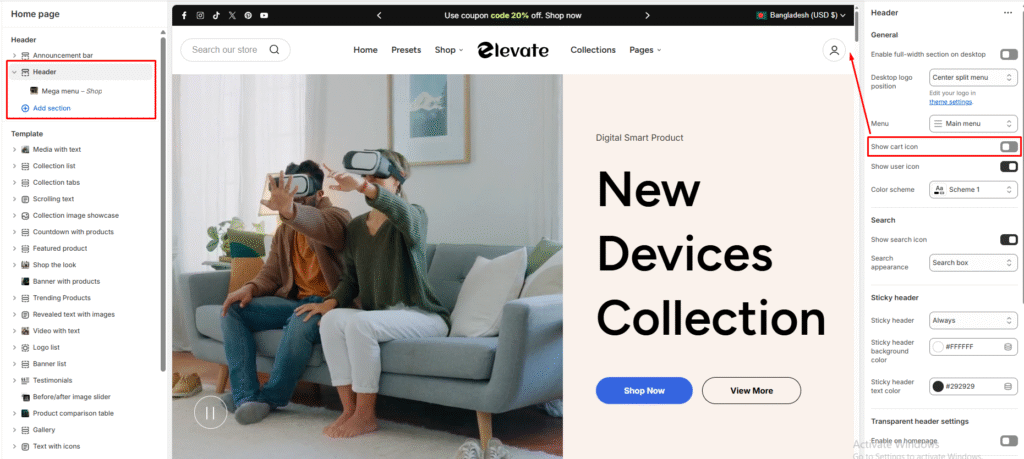
Remove the cart drawer feature to direct customers straight to checkout or meet specific app requirements.
The cart drawer allows customers to quickly view and manage items they’ve added to their cart without leaving the current page. You may want to disable this feature to streamline the checkout process or fulfill certain app installation requirements.