Address
304 North Cardinal St.
Dorchester Center, MA 02124
Work Hours
Monday to Friday: 7AM - 7PM
Weekend: 10AM - 5PM

Configure your payment methods to start accepting payments from customers and processing orders.
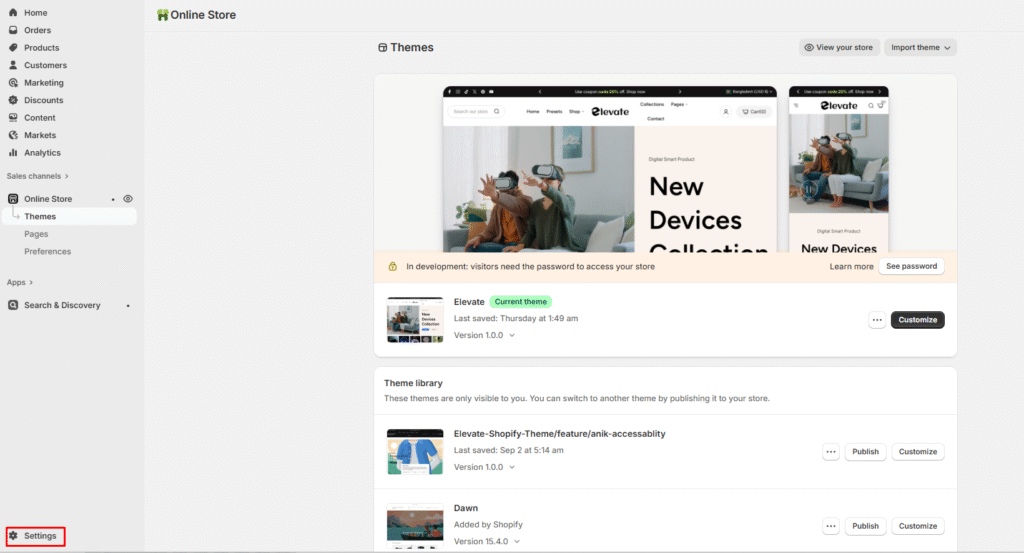
2. In the Shopify Payments section, click Manage to access configuration options
