Address
304 North Cardinal St.
Dorchester Center, MA 02124
Work Hours
Monday to Friday: 7AM - 7PM
Weekend: 10AM - 5PM

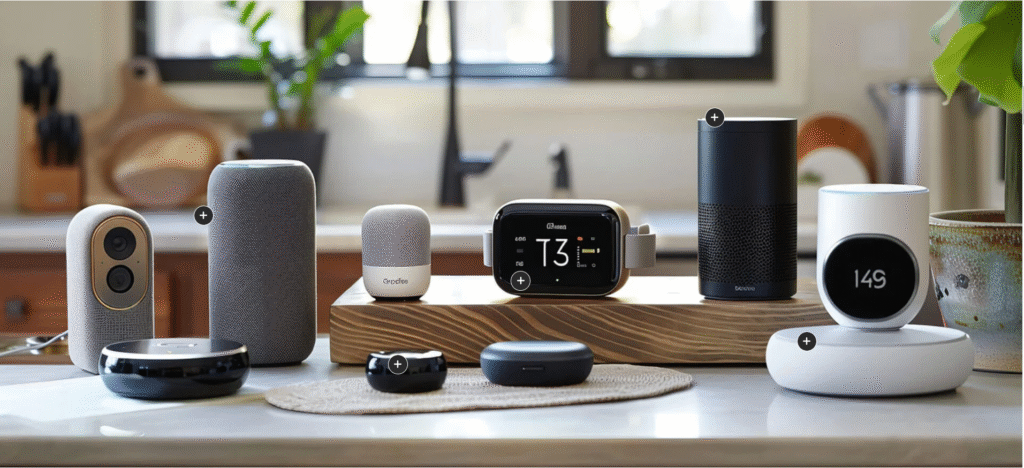
| Settings | Description |
| Page content width | Full-width: This section will be displayed full-width in the browser. |
| Image | This is the main image of the lookbook. |
| Image height | Adapt to image: Uses the aspect ratio of the collection images is cropped. Small: This is the smallest height of the lookbook image. Desktop height: 314px, Mobile height: 194px Medium: This is the medium height of the lookbook image. Desktop height: 500px, Mobile height: 300px Large: This is the maximum height of the lookbook image. Desktop height: 695px, Mobile height: 435px |
| Make section full width | You can display images and content full width in a section container. |
| Settings | Description |
| Product | The product that you want to display. |
| Enable quick shop | Instead of redirecting customers to the product details page, this option displays a popup with all of the important product details. |
| Horizontal position | Provides a measurement for the space between the bullet and the image’s left edge. |
| Vertical position | Provides a measurement for the space between the bullet and the image’s top edge. |
| Background 1 | This is the bullet-animated background color. |
| Background 2 gradient | This is the bullet-gradient background color. |
| Settings | Description |
| Desktop: Padding top | The section’s top inner space height is determined. From 0 to 150 px, will be incremented by 5px. It will affect the desktop. |
| Desktop: Padding bottom | The section’s bottom inner space height is determined. From 0 to 150 px, will be incremented by 5px. It will affect the desktop. |
| Mobile: Padding top | The section’s top inner space height is determined. From 0 to 150 px, will be incremented by 5px. It will affect the mobile. |
| Mobile: Padding bottom | The section’s bottom inner space height is determined. From 0 to 150 px, will be incremented by 5px. It will affect the desktop. |