Address
304 North Cardinal St.
Dorchester Center, MA 02124
Work Hours
Monday to Friday: 7AM - 7PM
Weekend: 10AM - 5PM

As an entrepreneur, creating an email newsletter is an essential part of your overall marketing strategy that can help you make sales down the line. A website visitor that finds your product pricey might be persuaded by a discount delivered to their inbox. A forgetful browser can be reminded of your product through a targeted email campaign. A potential buyer who needs more information can learn your company’s story through weekly send-outs before finally hitting Buy. By capturing the email of a prospective customer, a purchase delayed today can be deferred to tomorrow.
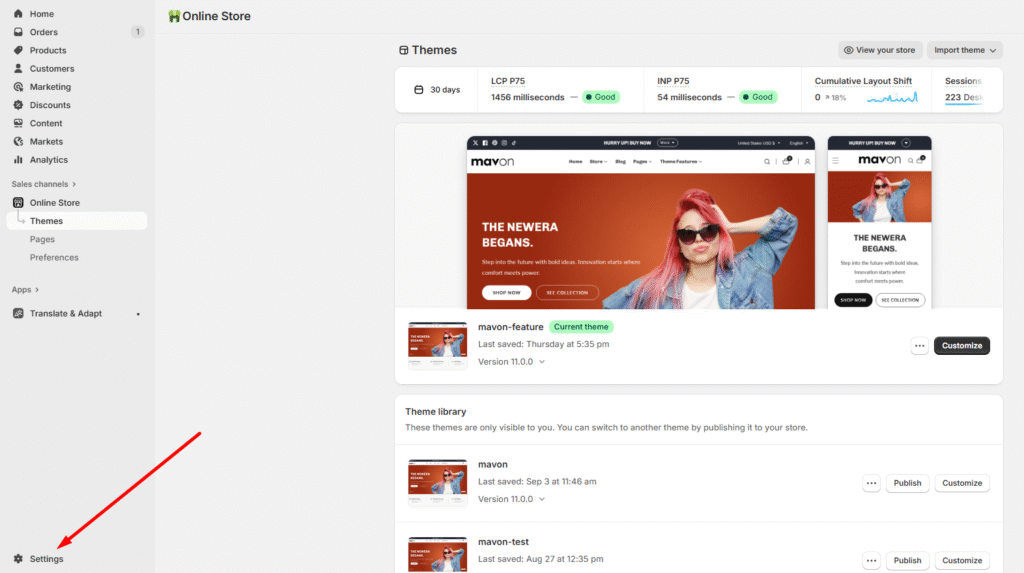
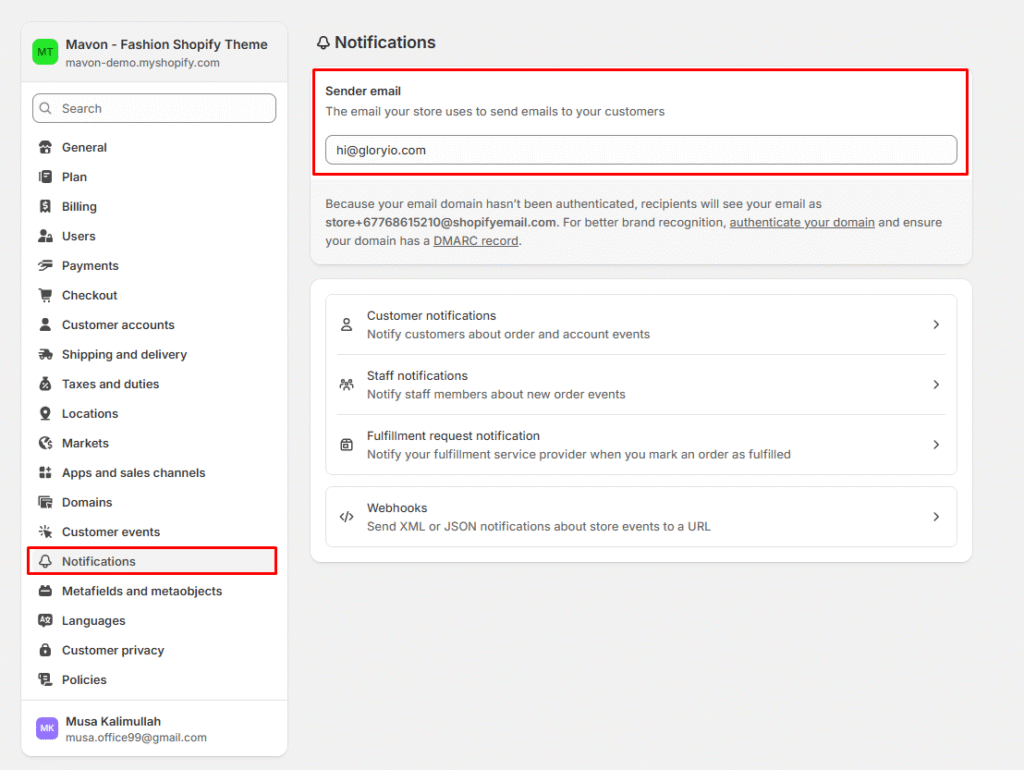
You need to go the Settings > Notification