Enable and edit cart order notes. Allow customers to add special instructions or notes to their orders during the shopping process.… Read more
Enable and edit shipping rate calculator Configure the shipping calculator to help customers estimate delivery costs before checkout. How to Enable… Read more
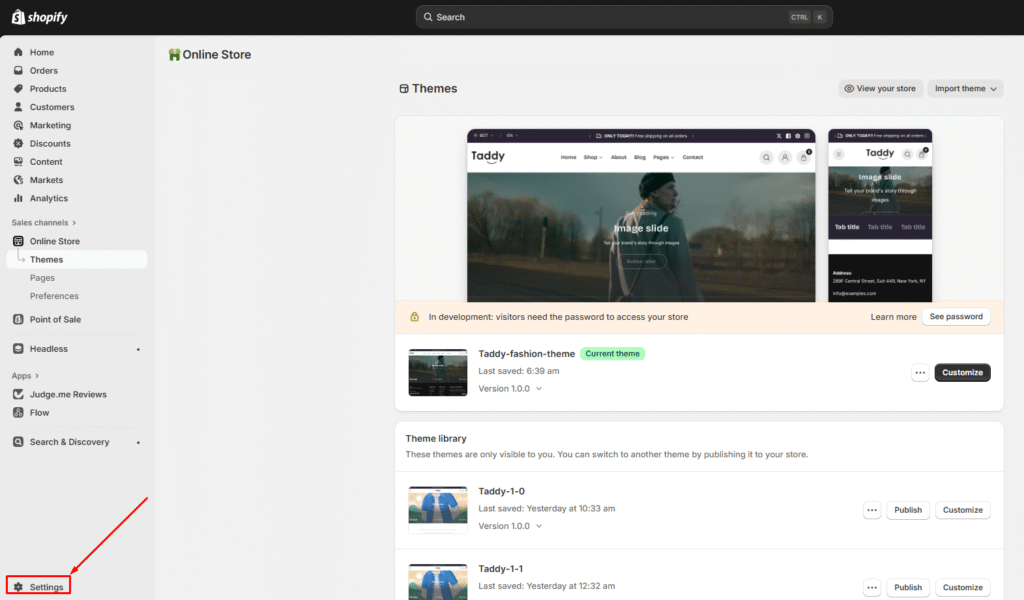
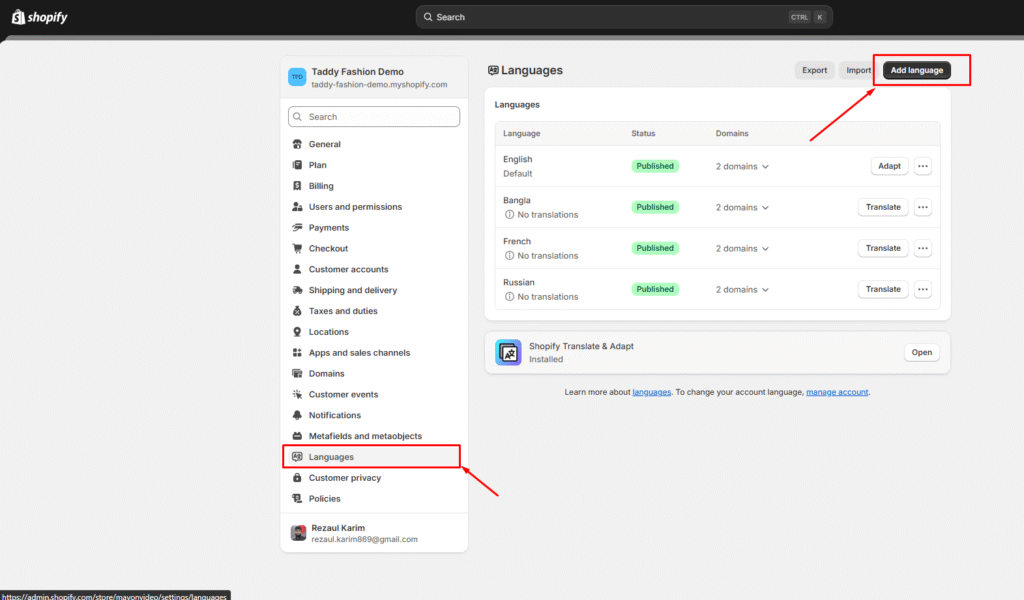
How to translate Theme Making your store available in multiple languages helps you reach customers worldwide. This guide shows… Read more
How to create a mega menu The appearance of a mega menu Creating a mega menu **You must create multiple levels… Read more